Site menu:

cNORM - Installation
The package cNORM is under continuous development and can be installed via CRAN. Please report errors! Suggestions for improvement, fixes etc. are always welcome! The package is stable, however. First of all, you need to install the latest version of R from CRAN for your operation system. We furthermore strongly encourage you to use RStudio. After starting RStudio, you should have a clean environment:
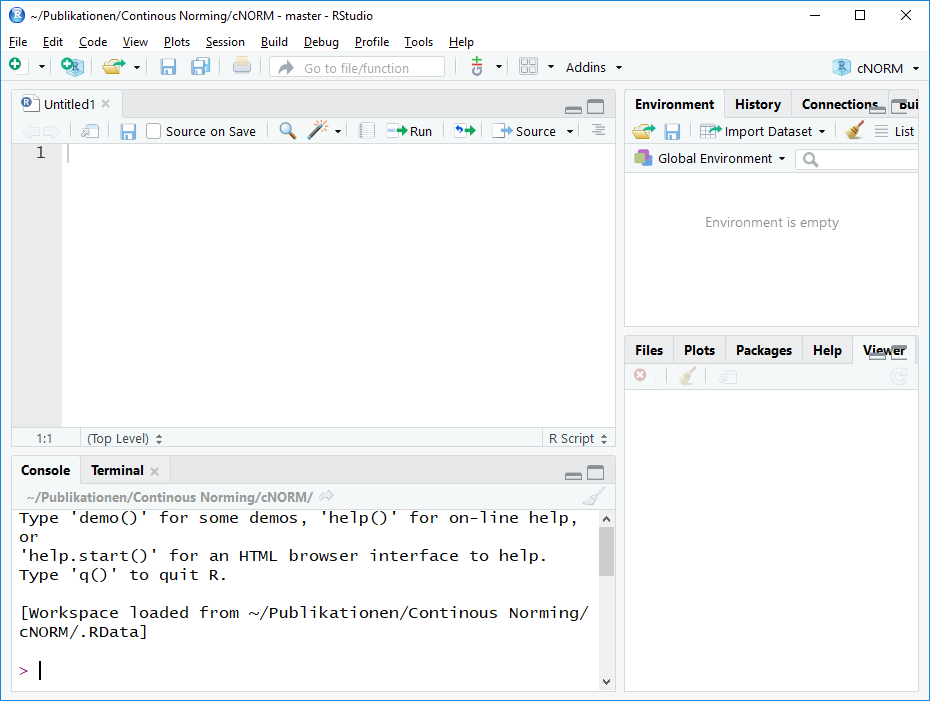
To install cNORM, please type:
install.packages("cNORM", dependencies = TRUE)
More advanced users can directly access and install the latest development version of cNORM via GitHub (Package, Changelog and Readme):
install.packages("devtools")
devtools::install_github("WLenhard/cNORM")
library(cNORM)
After installation, type 'library(cNORM)' in the console to load cNORM:
# Load cNORM
library(cNORM)
# Start help
help(cNORM)
cNORM has a graphical user interface, too. However, only distribution-free modeling can be carried out on this user interface. Start the user interface as follows or use the web version here:
# Start GUI
cNORM.GUI()
 |
Overview |
Data Preparation |
 |